

The iPhone Duo has been out since Friday and we’ve seen massive waves of app updates, tons of experimentation from device owners, and folks like me who’re still trying to get their hands on one.
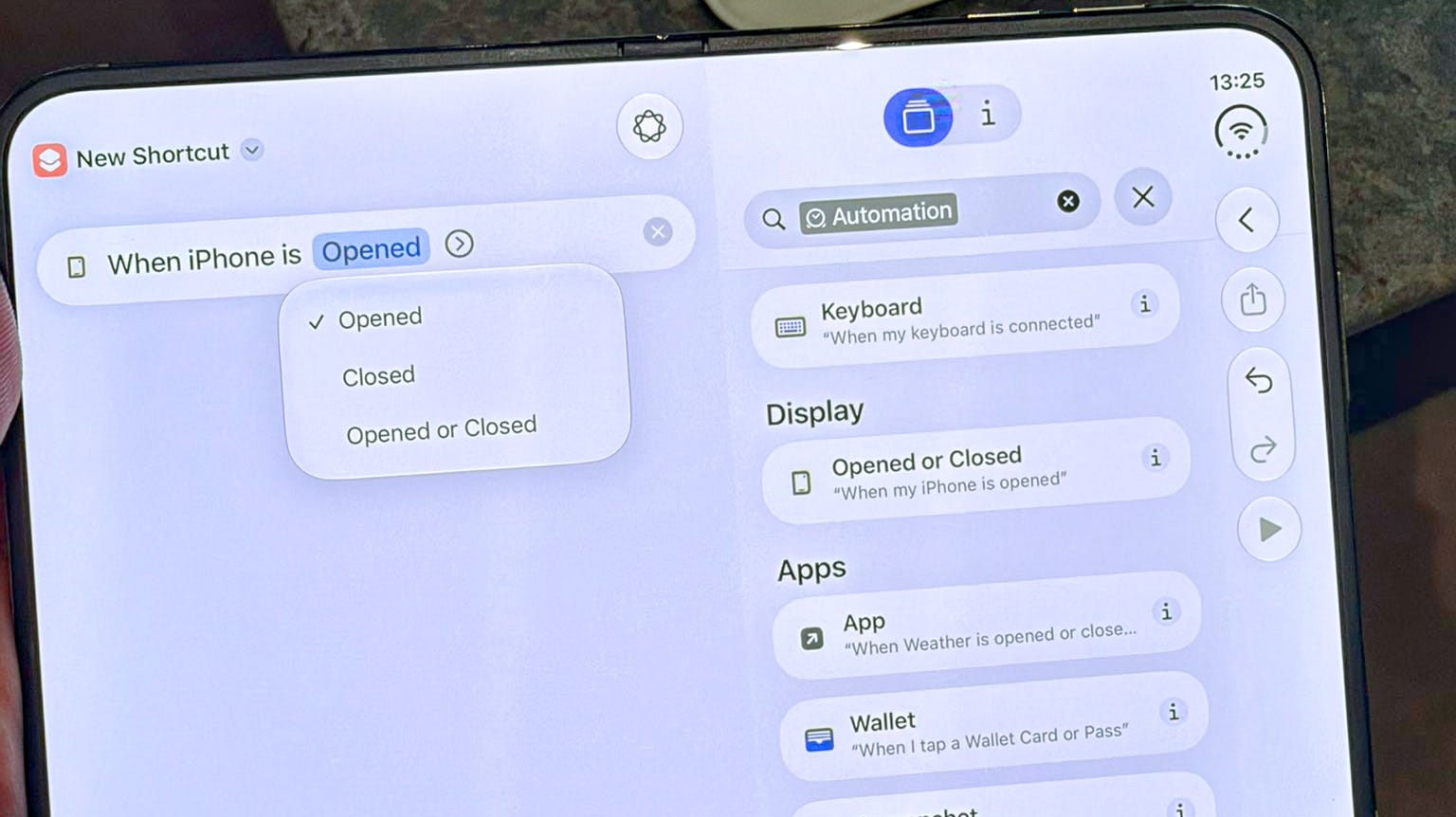
Alongside the excitement, a special Automation for when the device is opened or closed has set off a series of clever shortcuts being released, plus more Automations for mimicking the missing Action button or adding Color Filters to tweak the display saturation.
Enjoy:
iPhone Duo Automations
Automations when iPhone Duo is Open or Closed
New with the iPhone Duo, Apple has a custom “Open or Closed” automation specific to the device that lets you automate behavior depending on the setup. Here’s MacStories’ Federico Viticci with the first look:


After a day with the device, Federico shared an automation that mimics a behavior common to foldable phones – locking the device automatically when you close the displays:


Replacing the Action Button on iPhone Duo
Stetson Doggett also came up with a method for simulating an Action Button on the device as well – here are the full steps:
1. Create a folder in Shortcuts called Action Button. Move all of the shortcuts you want to trigger in here.
2. Create a new shortcut called Action Button
Setup:
> Get shortcuts from [Action Button Folder]
> Choose from [My Shortcuts]
> Run [Selected Item]
3. Add the new Action Button shortcut to your lock screen
> if you want the list view, set the shortcut to run Action Button
> if you want a grid of 6 actions (shown in the next post), set the shortcut to Show Folder
I prefer the list view, personally.


And his follow-up:

In the replies, a few people shared their workaround as well – one in Control Center:


…and another using Camera Control:


Color Filters for inner display saturation
Another great automation I saw was around using Color Filters to make the inner display slightly more saturated (against the built-in matte screen cover) by boosting the blue/yellow colors by 10%:


Stephen Robles’ coverage
Prolific Shortcuts YouTuber (and friend of the newsletter) Stephen Robles also shared his set of automations based on the iPhone Duo capabilities – in this video on X, he automatically opens his app Kan Do every time the device is opened:

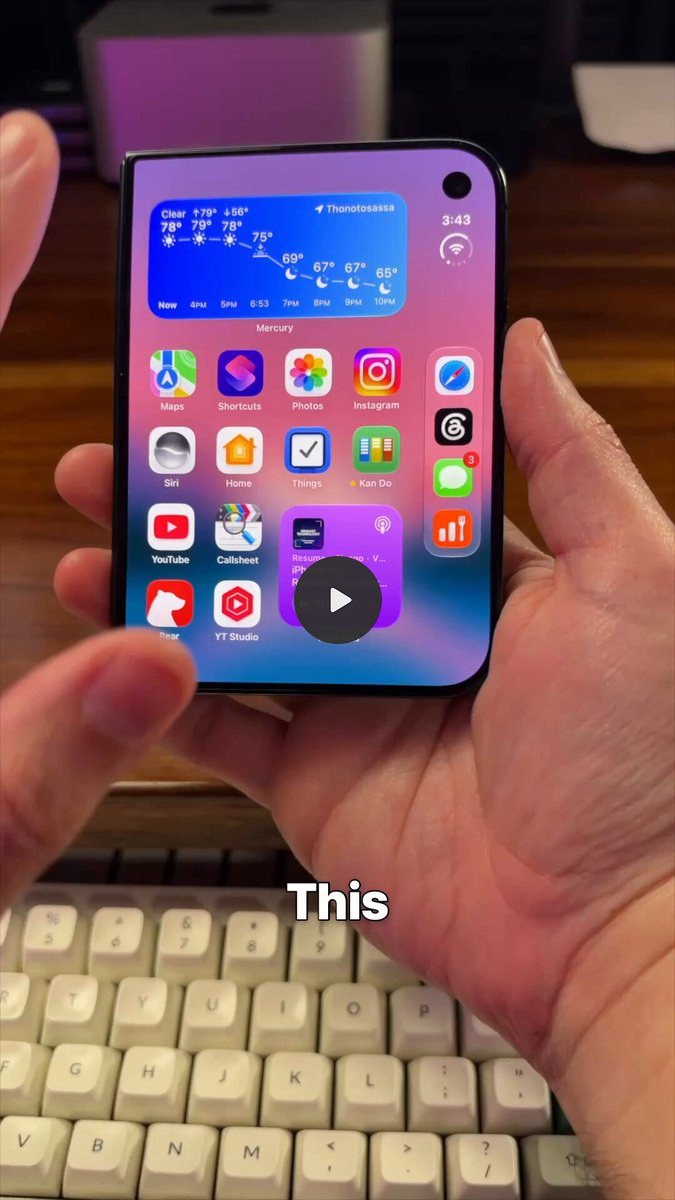
Stephen also made a video about his own Lock Device automation for iPhone Duo:
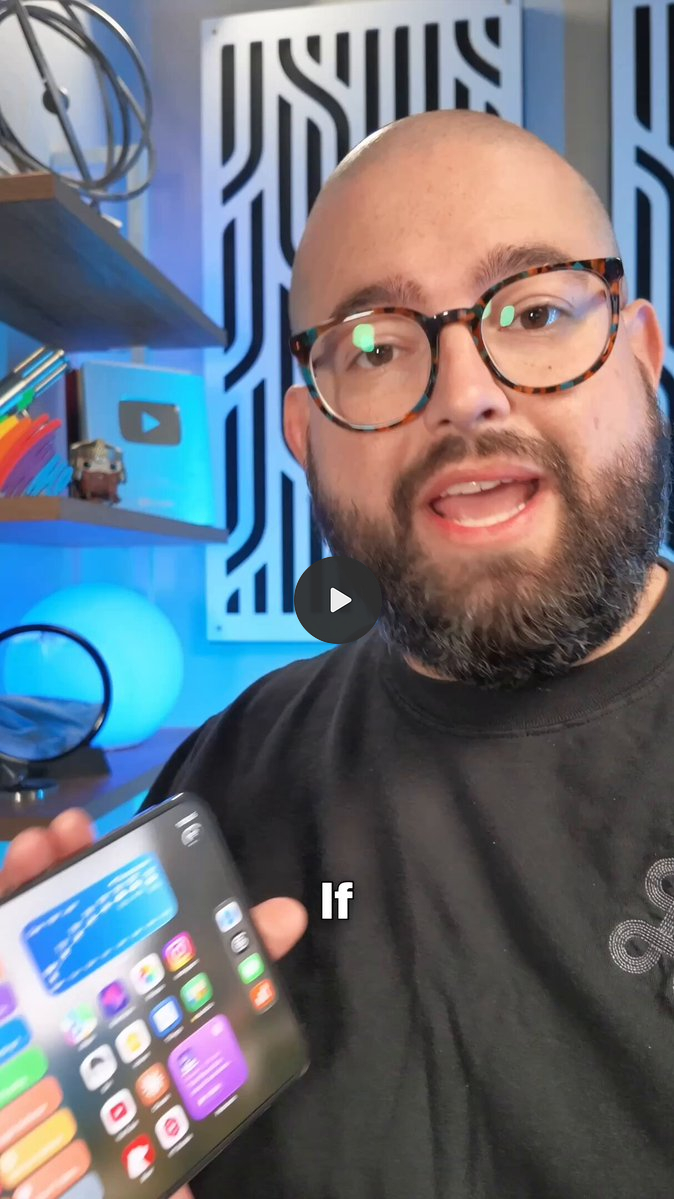
…and updated in a day later to account for the presence of an app; if on the Home Screen, it’ll lock, otherwise do nothing (and not disrupt your current app session):

Stephen put the new Storage actions to good use as well with the new iPhone Duo automations, creating a version that can track how many times you’ve folded the screen and storing it as a value in Shortcuts itself – plus a second to check on the total number of folds:


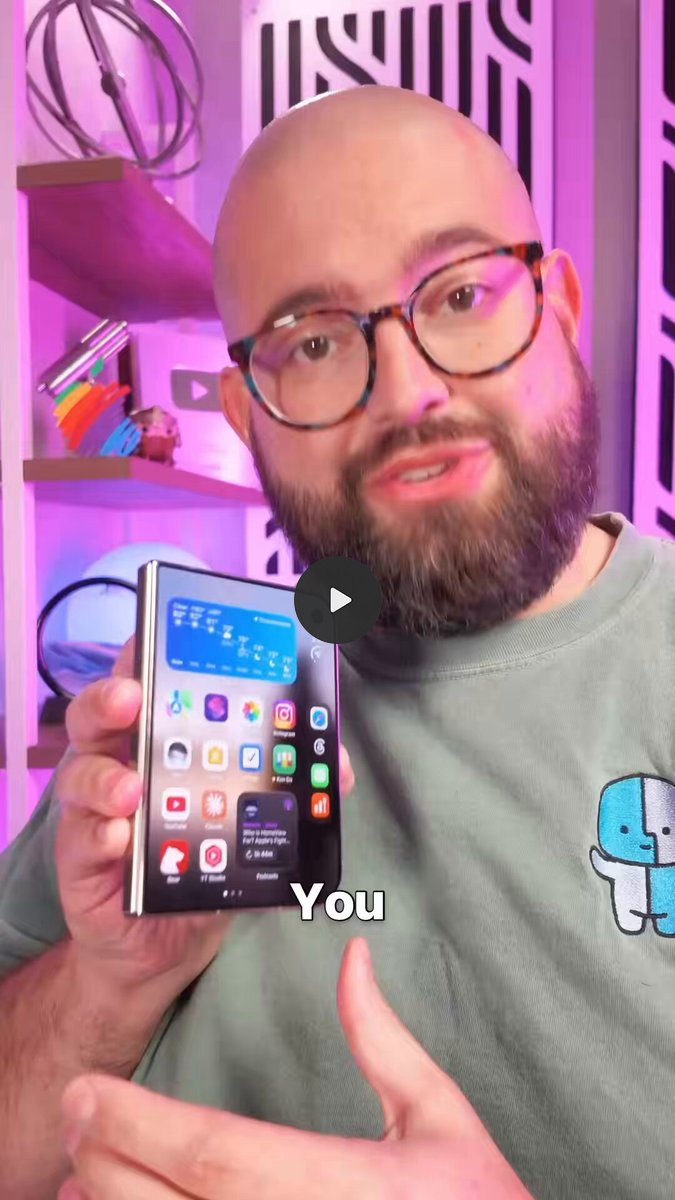
Last but not least, Stephen also made a clever video about playing sounds automatically when your Duo is opened or closed – check it out:
Great work as usual Stephen!
Apple Store shortcuts
I also published an update to my Apple Store shortcuts folder for the new actions available in the Apple Store app:
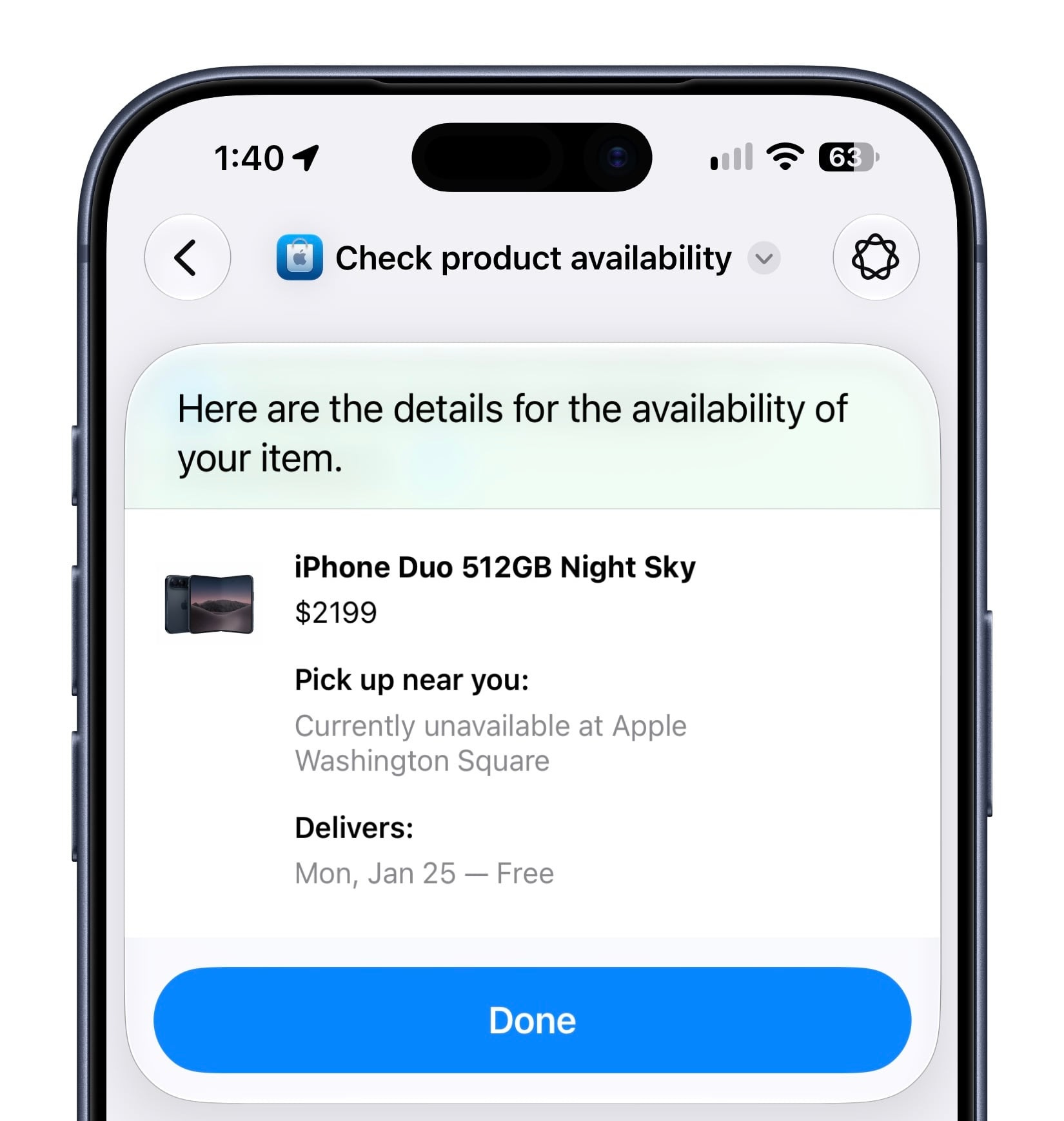
Plus, I wrote a quick story about the actions and how I’m using their Check product availability shortcut with a nice visual snippet to see if there are any iPhone Duos in stock:
Read the full story, view the update post, check out the Apple Store folder, and browse the full Shortcuts Library.
That’s all for the issue – thanks for reading!